

Finding Remote Work on LinkedIn Easily: The 2025 Advanced Search & Optimization Guide
Let’s be honest: clicking “Easy Apply” on LinkedIn often feels like shouting into a void. You aren’t imagining the silence. In the current job market, the math is actively working against casual applicants. According to December 2024 data from Arc.dev, while only 10% of job postings on LinkedIn were for remote roles, these specific postings received a staggering 46% of all job applications.
Think about that for a second. You aren’t just looking for a job; you are competing in a market that is 4.6 times more overcrowded than the standard office job market. If you are approaching finding remote work on LinkedIn easily by simply scrolling and clicking, you are playing a lottery you are statistically destined to lose.
But here is the good news: most of your competition is lazy. They rely on the default filters and basic resume uploads. In my years of advising professionals on digital career pivots, I’ve found that by leveraging specific “Boolean” search hacks, understanding the new 2025 AI matching algorithms, and learning to spot the dreaded “Ghost Jobs,” you can bypass 90% of the noise.
This guide isn’t about fixing your resume font. It’s about re-engineering how you use the world’s largest professional network to find the opportunities hidden in plain sight.
The “Remote SEO” Profile: Optimizing for 2025 Algorithms
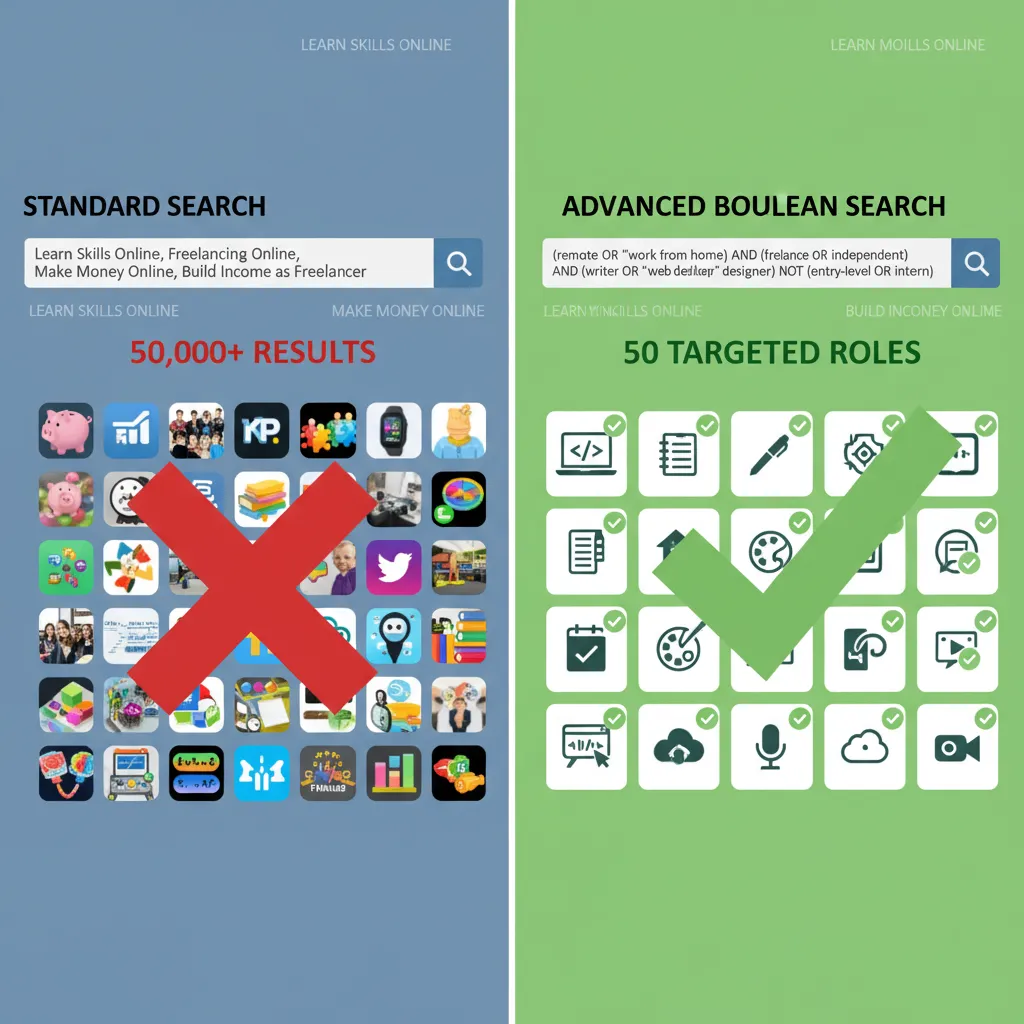
Before you send a single connection request, you need to understand how recruiters are finding you. In 2025, LinkedIn Recruiter (the backend tool hiring managers use) relies heavily on AI-driven intent matching. If your profile doesn’t scream “Remote Ready,” the algorithm filters you out before a human ever sees your face.
Achieving “All-Star” Status
It sounds like a gamification gimmick, but “All-Star” status is a technical requirement for visibility. Profiles with this status are 40 times more likely to appear in search results. To get there, you need a profile photo, a summary, experience, skills, and education fully filled out. But for remote work, we need to go deeper.
LinkedIn Headline Formulas for Remote Roles
Your headline is the only thing a recruiter sees next to your name in a search list. If it just says “Marketing Manager,” you are invisible. You need to signal both your capability and your location independence.
I recommend using this formula: [Role] | [Specific Niche/Skill] | [Value Prop] | Remote-Ready
Example:
Senior UX Designer | SaaS & Mobile Apps | Scaling User Retention by 20% | Remote Based
This tells the AI three things: what you do, the industry you know, and that you are looking for remote work. This specific phrasing helps you rank for keywords like “Remote UX Designer.”
Leveraging LinkedIn’s 2025 AI Match Indicators
Teuila Hanson, LinkedIn’s SVP, noted in the Global Talent Trends report (Oct 2024) that “talent leaders are uniquely positioned to help their organizations unlock human capability in this AI era.” This means recruiters are using AI to match skills, not just job titles.
Go to the “Skills” section of your profile. Ensure you have added “Virtual Collaboration,” “Asynchronous Communication,” and tools like “Slack,” “Jira,” or “Zoom.” These are the keywords the 2025 algorithms use to verify if a candidate can actually handle a distributed work environment.
Advanced Search Tactics: Beyond the Basic Filters
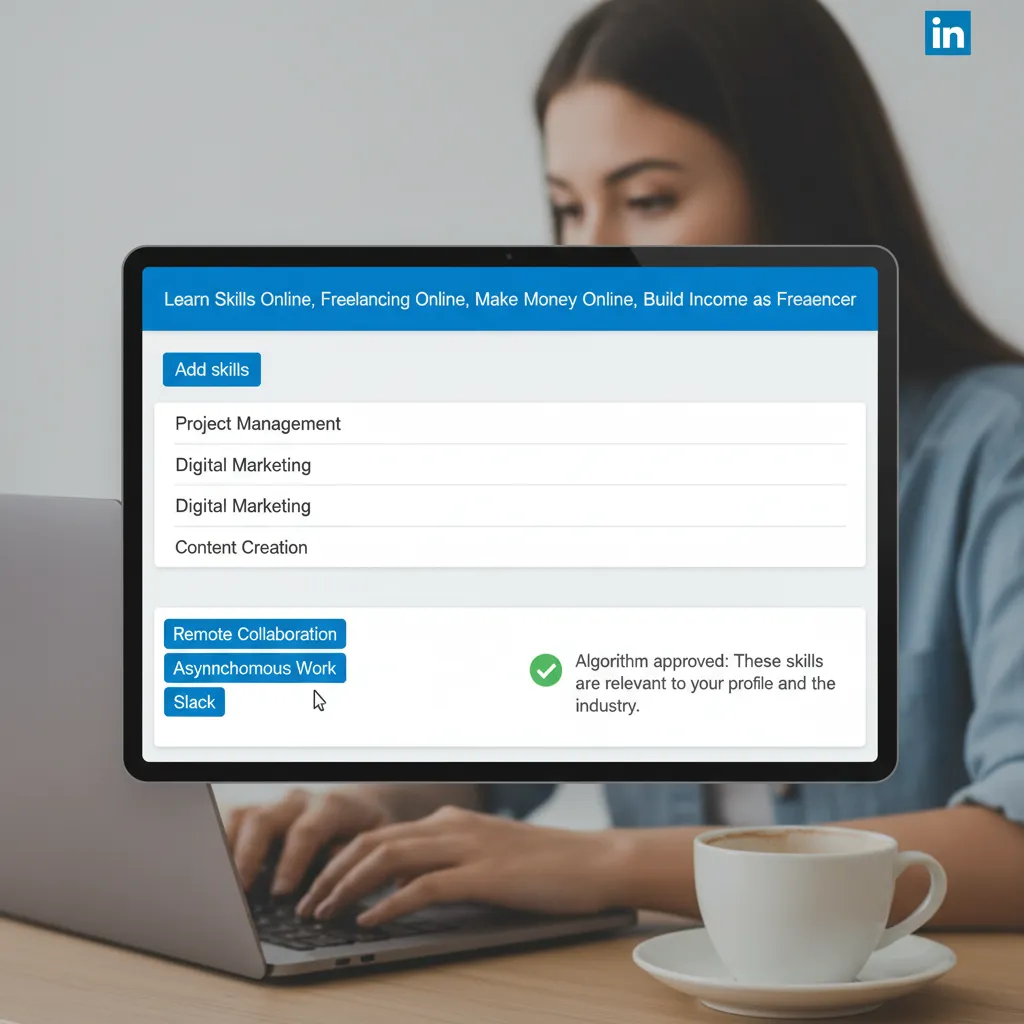
The standard “Remote” filter on LinkedIn is broken. It often includes “Hybrid” roles (that require you to live near the office) or “Temporarily Remote” positions. To find true remote work, you need to speak the database’s language: Boolean Search.
Mastering Boolean Strings for Remote Discovery
Boolean search uses operators like AND, OR, and NOT to create hyper-specific search strings. You can type these directly into the main search bar on LinkedIn.
Here is a powerful string to find marketing jobs that are actually remote and not sales roles disguised as marketing:
Why this works:
- (parentheses): Groups the remote terms together.
- OR: Tells LinkedIn to look for any of these variations.
- AND: Ensures the job title is included.
- NOT: vital for filtering out noise. This removes sales jobs that often spam the marketing feed.
The “Anywhere” Filter Hack for Global Nomads
If you are looking for work that allows you to travel, the “Remote” filter often defaults to “Remote in [Your Country].” To bypass this, when selecting a location in the search bar, do not type your city. Instead, type “EMEA” (Europe, Middle East, Africa), “LATAM” (Latin America), or purely “Remote.”
This broadens the search scope to companies hiring across time zones rather than political borders.
Setting Smart Alerts: The “Date Posted” Rule
Speed is everything. A job posting older than 72 hours usually has hundreds of applicants already. Configure your job alerts, but only trigger them for “Past 24 hours.” I recommend checking these alerts twice a day: once at 9:00 AM EST and once at 1:00 PM EST, when most recruiters post new listings.
The Ghost Job Trap: How to Spot and Avoid Fake Listings
This is the most frustrating part of the 2025 job market. You apply, and… silence. It might not be you. It might be a “Ghost Job.”
“A 2025 study by MyPerfectResume found that 30% of job openings in the US—over 2.2 million roles—never resulted in a hire, often serving as ‘ghost jobs’ to build talent pipelines.” — Source: Tribune/MyPerfectResume (Nov 2025)
Companies sometimes leave listings up to harvest resumes for the future (data harvesting) or to give the illusion of growth to investors. Applying to these is a waste of your time.
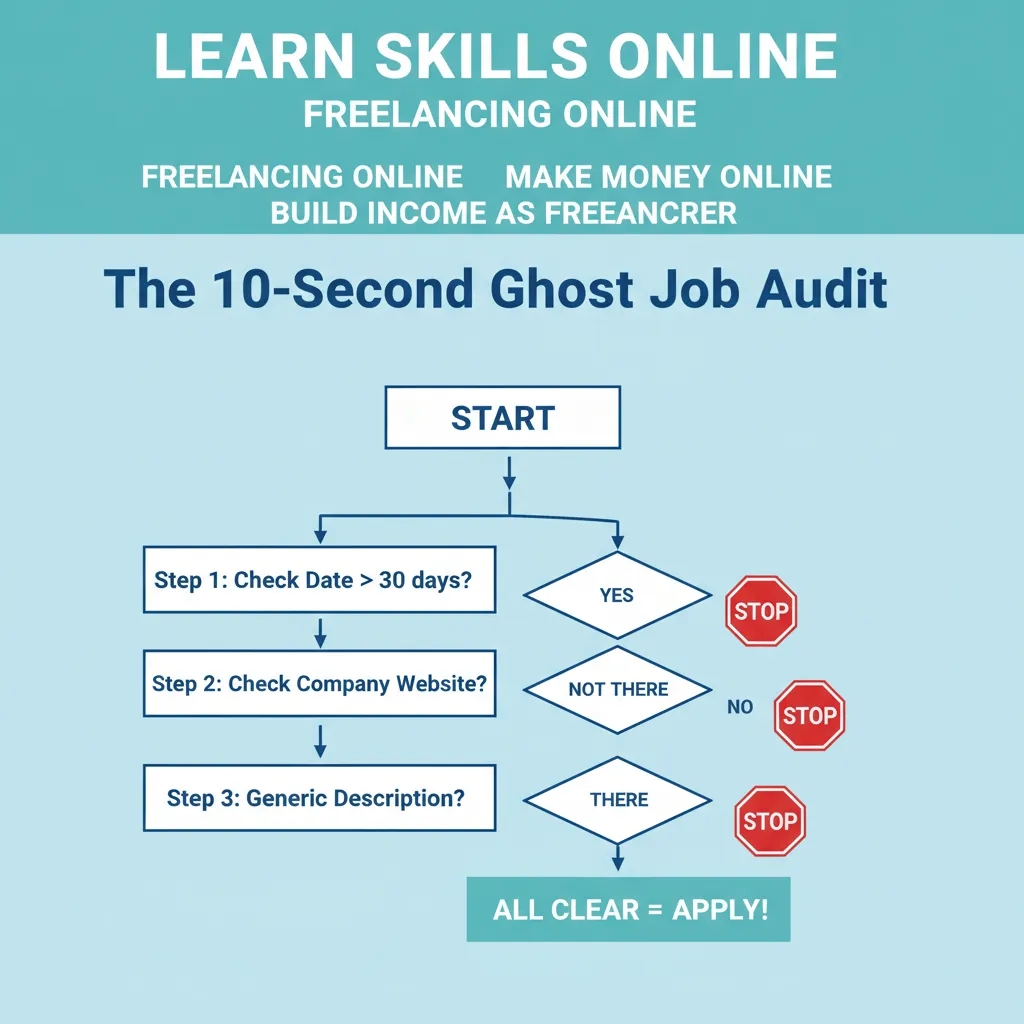
The Ghost Job Detection Checklist
Before you invest an hour customizing your cover letter, run the posting through this 10-second audit:
- Post Date: Is it older than 30 days? Red flag.
- Repost Frequency: Does it say “Reposted 2 days ago” but lists “Over 200 applicants”? This suggests they keep refreshing the same unfilled role.
- Vague Descriptions: Does the job description look like a generic template with no specific company details?
- The Career Page Check: Go to the company’s actual website. If the job isn’t listed on their own “Careers” page, it’s likely a ghost listing on LinkedIn.
High-Conversion Networking: Messaging Recruiters Directly
The “Easy Apply” button is comfortable, but it has a massive failure rate due to volume. The most effective way to find remote work on LinkedIn easily is to bypass the stack. According to a Fast Company report citing LinkedIn data, “93% of hiring managers stated that referrals are important because they come with a trusted recommendation.”
Finding the “Hiring Team”
In 2025, LinkedIn often displays a “Meet the hiring team” section on the job posting (if you have Premium, this is more visible, but often free users can see the poster’s profile). If that’s hidden, search for “[Company Name] + Talent Acquisition” or “[Company Name] + [Department Head].”
The 3-Sentence Referral Script
Do not ask for a job. Ask for advice. It triggers a psychological reciprocity bias. Here is a script I have seen work countless times:
This works because it’s humble, respects their time, and asks for a “Yes/No” on fit rather than demanding an interview.
AI Tools to Supercharge Your Search
You cannot talk about finding remote work on LinkedIn easily in 2025 without discussing AI. But don’t let AI write your resume from scratch—recruiters can smell generic ChatGPT output a mile away.
Using ChatGPT for LinkedIn “About” Optimization
Instead of asking ChatGPT to “write me a bio,” feed it three legitimate job descriptions for the remote roles you want. Then use this prompt:
“Analyze these three job descriptions. Extract the top 5 hard skills and 5 soft skills. Then, rewrite my current ‘About’ section (pasted below) to naturally integrate these keywords, adopting a professional but conversational tone.”
Jobscan & ResyMatch: Beating the LinkedIn ATS
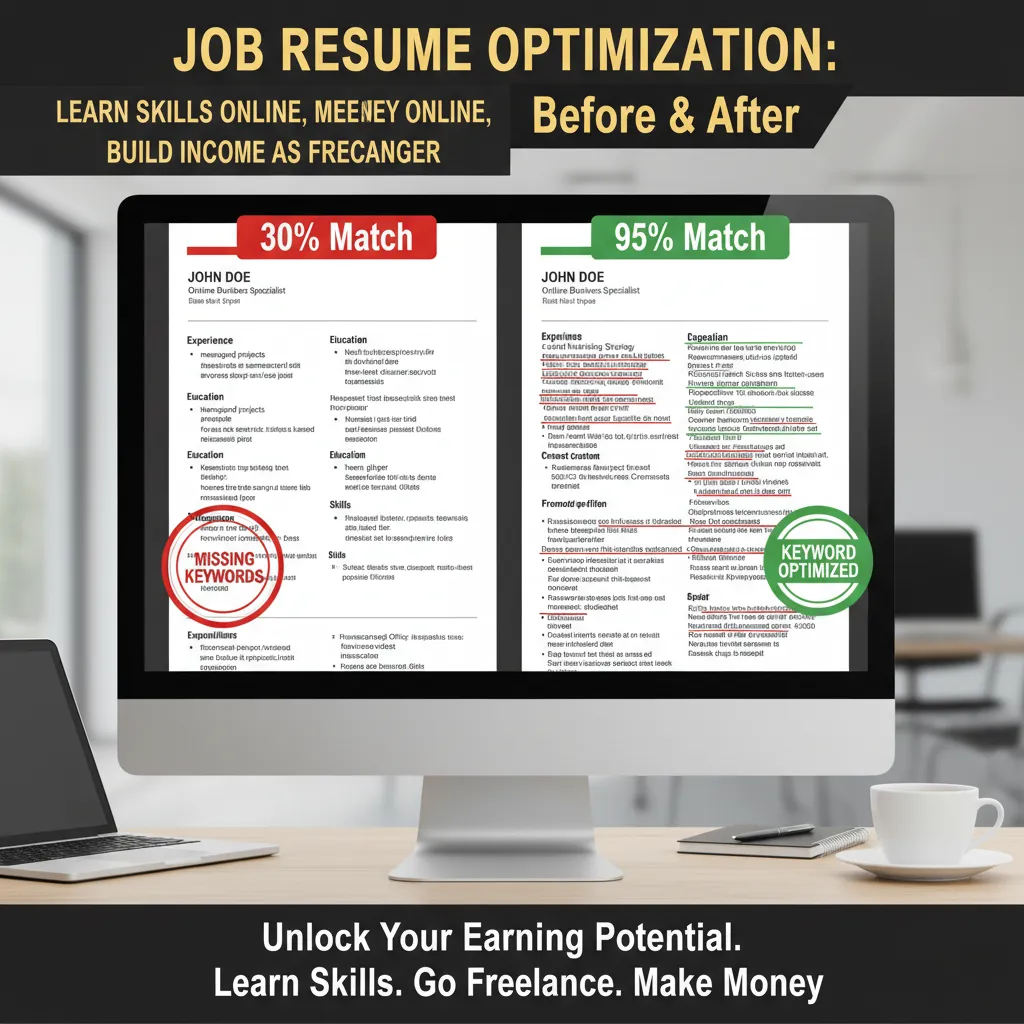
LinkedIn has an internal Applicant Tracking System (ATS). Tools like Jobscan allow you to paste your resume and the LinkedIn job description side-by-side. It will tell you exactly which keywords you are missing. If the job description says “distributed team management” and your resume says “remote leadership,” the AI might not rank you as highly. Match the language exactly.
Frequently Asked Questions
Why am I not getting remote interviews on LinkedIn even with a good resume?
You are likely suffering from the “volume trap.” If you are only applying to “Easy Apply” jobs older than 24 hours, you are at the bottom of a pile of 500+ people. Shift your strategy to networking and applying within the first hour of a posting.
Does LinkedIn Easy Apply actually work for remote jobs?
It can, but it is the lowest probability method. It works best for niche roles with fewer applicants. For general roles (e.g., Customer Success, Marketing), the volume is too high. Use Easy Apply as a backup, not your primary strategy.
How do I find international remote work on LinkedIn from the EU?
Use the “EMEA” location filter instead of your specific country. Additionally, filter companies by “Headquarters: United States” but search for “Remote” in the location field. Many US tech companies hire European contractors for time-zone coverage.
How can I spot “Ghost Jobs” quickly?
Check the “Date Posted.” If it’s been up for 30+ days or has been reposted multiple times without closing, it’s likely a ghost job used for data harvesting. Always verify the opening on the company’s official career page.
Conclusion: The “4.6x Factor” and Your Next Step
Finding remote work on LinkedIn easily is no longer about luck; it’s about strategy. We know that the competition is fierce—remember that 4.6x demand-to-supply ratio from the Arc.dev report. But we also know that 90% of your competitors are using outdated tactics.
They are applying to ghost jobs. They are using generic headlines. They are ignoring Boolean search strings.
Your path forward is clear:
- Audit your profile today using the “Remote SEO” headline formula.
- Build your Boolean strings and save them as bookmarks, so you don’t have to retype them every day.
- Stop clicking “Easy Apply” blindly. Spend that energy verifying the job exists and sending one thoughtful message to a hiring manager.
The remote jobs are there, and companies are desperate for talent that is autonomous, skilled, and savvy enough to find them. Prove you are that person by how you search.
