

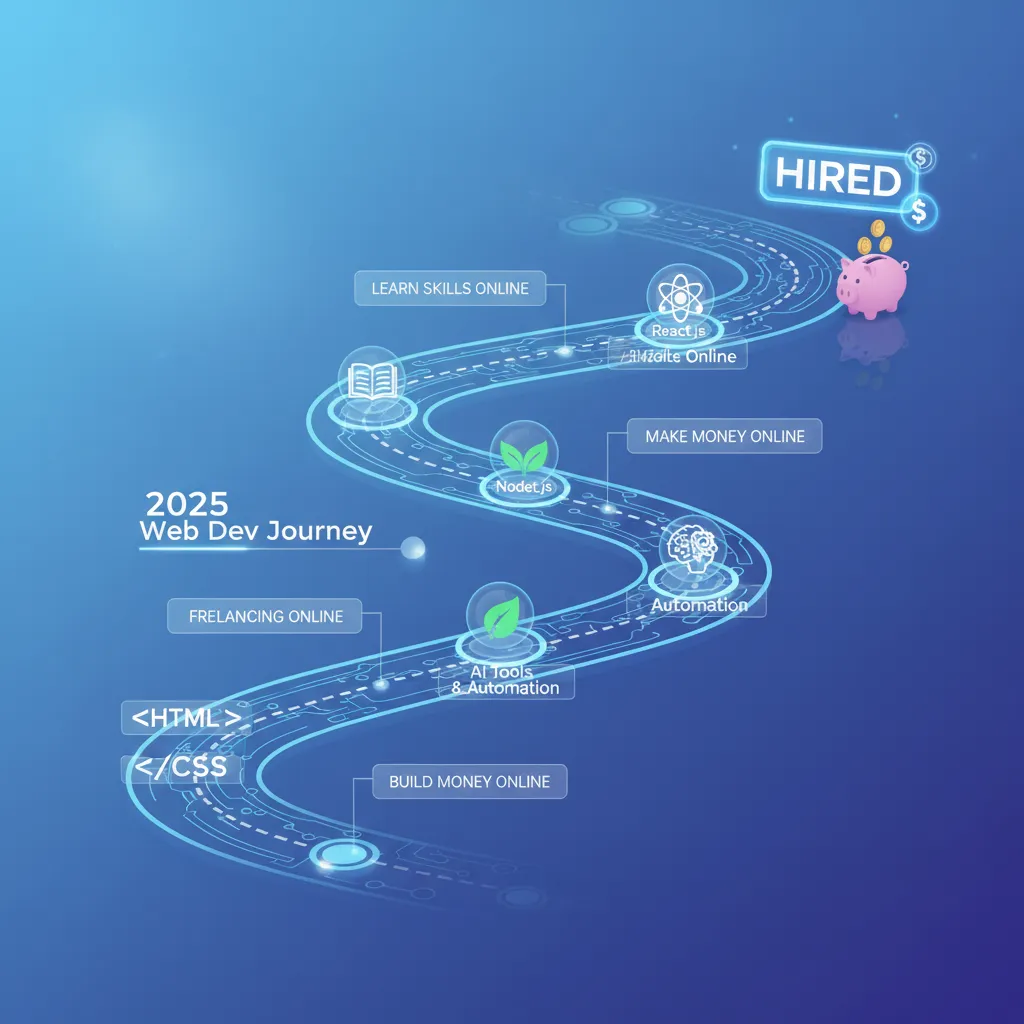
How to Learn Web Development for Free in 2025: The Ultimate Step-by-Step Roadmap
Let’s be real for a second. In 2025, the idea that you need a $40,000 university degree or a $15,000 bootcamp to break into tech is rapidly becoming a myth. I’ve spent years in this industry, watching the barrier to entry shift from “access to information” to “filtering the noise.” The information is out there, and it’s free. The problem is that there’s too much of it.
You might be wondering: “Can I really land a high-paying job just using free resources?” The short answer is yes. The long answer involves discipline, a strategic roadmap, and avoiding the “tutorial hell” that traps 90% of self-taught developers.
This isn’t just a list of links. This is a battle-tested, data-backed strategy to take you from writing your first line of HTML to landing a full-stack role, based on current 2024-2025 market trends.
The 2025 Web Development Job Market: Is It Still Worth Learning?
Before we dive into the code, we need to address the elephant in the room: AI. With tools like ChatGPT and GitHub Copilot, you might be worried that junior developer jobs are disappearing. I hear this concern constantly, but the data tells a different story.
The demand isn’t for “coders” anymore; it’s for problem solvers who understand systems. According to Web Professionals Global, the Bureau of Labor Statistics projects continued strong growth, with web developer employment expected to increase by 17% through 2033. That is significantly faster than the average for all occupations.
Financial Incentive: The median annual wage for web developers was $90,930 in May 2024. Source: Bureau of Labor Statistics (BLS).
Furthermore, the sheer volume of software needed is exploding. A report from Evans Data Corporation indicates that the number of software developers in the world will increase by 6.69% to 28.7 million in 2024. The market isn’t shrinking; it’s maturing. The winners in 2025 will be those who can leverage AI to work faster, not those who fear it.
Phase 1: The Foundation (Months 1-2) – Mastering the Client-Side
In my opinion, the biggest mistake beginners make is jumping straight into frameworks like React or Next.js. That’s like trying to fly a plane before you can ride a bicycle. You need to master the core trifecta: HTML, CSS, and JavaScript.
1. HTML6 and Semantic Structure
HyperText Markup Language (HTML) is the skeleton of the web. In 2025, it’s not enough to just make things appear on the screen. You must understand semantic HTML and accessibility (A11y).
Screen readers and search engines rely on proper tags (`<article>`, `<nav>`, `<aside>`) rather than a soup of `<div>` tags. Jeffrey Zeldman, the co-founder of Web Standards, put it best: “Content precedes design. Design in the absence of content is not design; it’s decoration.” (Source: Wix Studio, 2024).
2. Advanced CSS (Grid, Flexbox, and Modern UI)
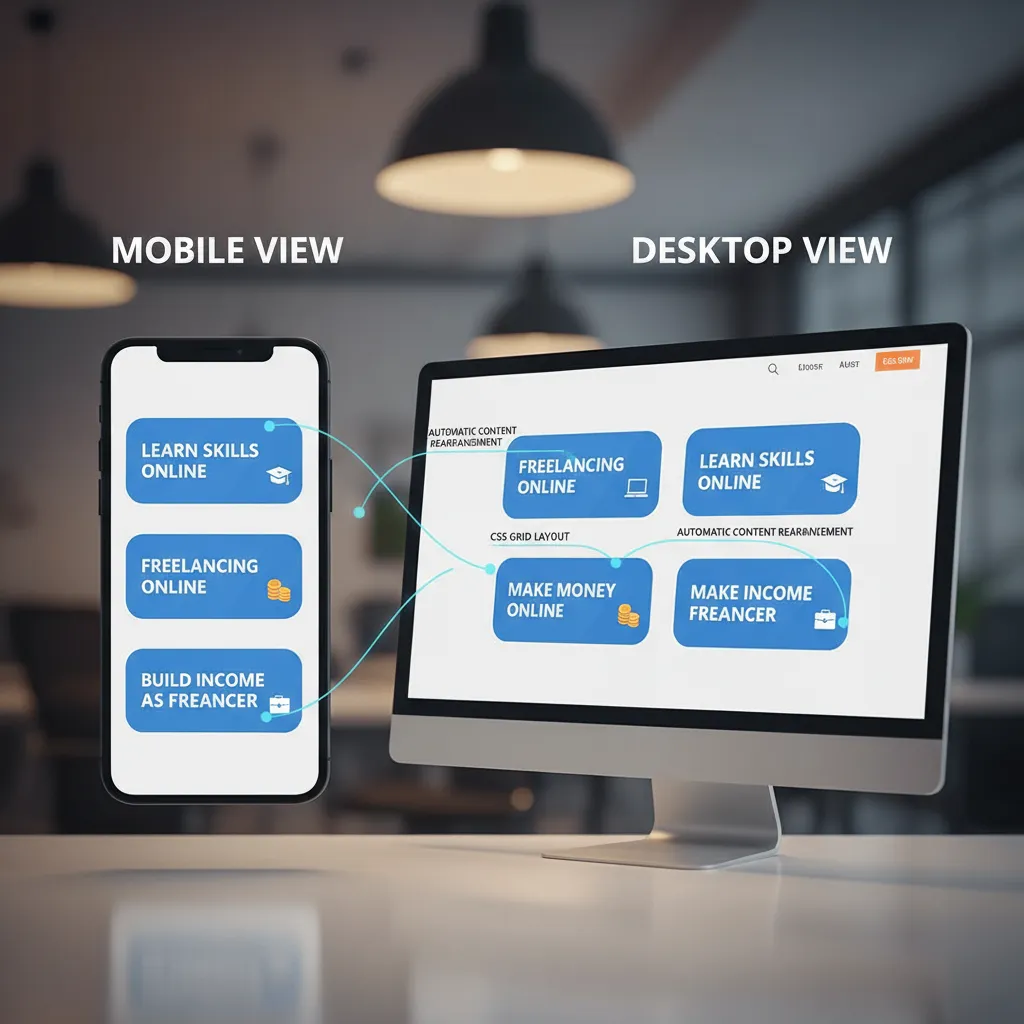
Forget about “floats” and older layout hacks. Your focus must be on CSS Flexbox and CSS Grid. These are the engines that power responsive web design today. You also need to understand “Mobile-First Design”—building for the phone before the desktop.
3. JavaScript (ES6+) – The Logic of the Web
This is where the magic happens—and where most people quit. JavaScript adds interactivity. It’s the dominant language of the web. According to the Stack Overflow 2025 Annual Developer Survey, JavaScript remains the most used language at 66%, followed by Python at 57.9%.
Phase 2: The Logic (Months 3-4) – Frameworks and Tooling
Once you understand vanilla JavaScript, you can step up to frameworks. These are tools built on top of JavaScript to make building complex applications easier. But be warned: this is often where “Tutorial Hell” begins—mindlessly following tutorials without understanding the underlying logic.
Why React Remains King in 2025
Despite the hype around Svelte or Solid.js, React is still the industry standard for employment. It has the largest ecosystem and the most jobs. Focus on learning React Hooks (useState, useEffect) and state management.
Essential Tooling: Git and GitHub
You cannot get a job without knowing version control. Git tracks changes in your code, and GitHub is where you store it. Think of GitHub as your resume. Employers don’t care about your CV; they care about your commit history.
Chris Coyier, the co-founder of CodePen, famously noted: “It’s about 100 times more important what you build than how you build it.” (Source: Wix Studio Expert Wisdom, 2024). Your GitHub profile proves what you have built.
Phase 3: The Backend & Data (Months 5-6) – Systems Thinking
Even if you want to be a Front-End Developer, you need to understand how the backend works. This is “Full-Stack” knowledge. You don’t need to be an expert, but you need to know how data flows from a server to a user’s screen.
Server-Side Logic
Stick with Node.js. Since it uses JavaScript, you don’t need to learn a new language like Python or PHP yet. It allows you to run JavaScript on the server.
Databases: SQL vs. NoSQL
For 2025, I recommend starting with SQLite for local development or PostgreSQL for production. These are Relational Database Management Systems (SQL). While NoSQL databases like MongoDB are popular, understanding the structured nature of SQL is a more transferable skill for enterprise jobs.
Phase 4: AI-Enhanced Development – Your Secret Advantage
This is the section that didn’t exist in roadmaps two years ago. In 2025, ignoring AI is professional suicide. Stack Overflow’s 2025 Annual Developer Survey reveals that 84% of respondents are using or planning to use AI tools in their development process.
How to Learn with AI (Without Cheating)
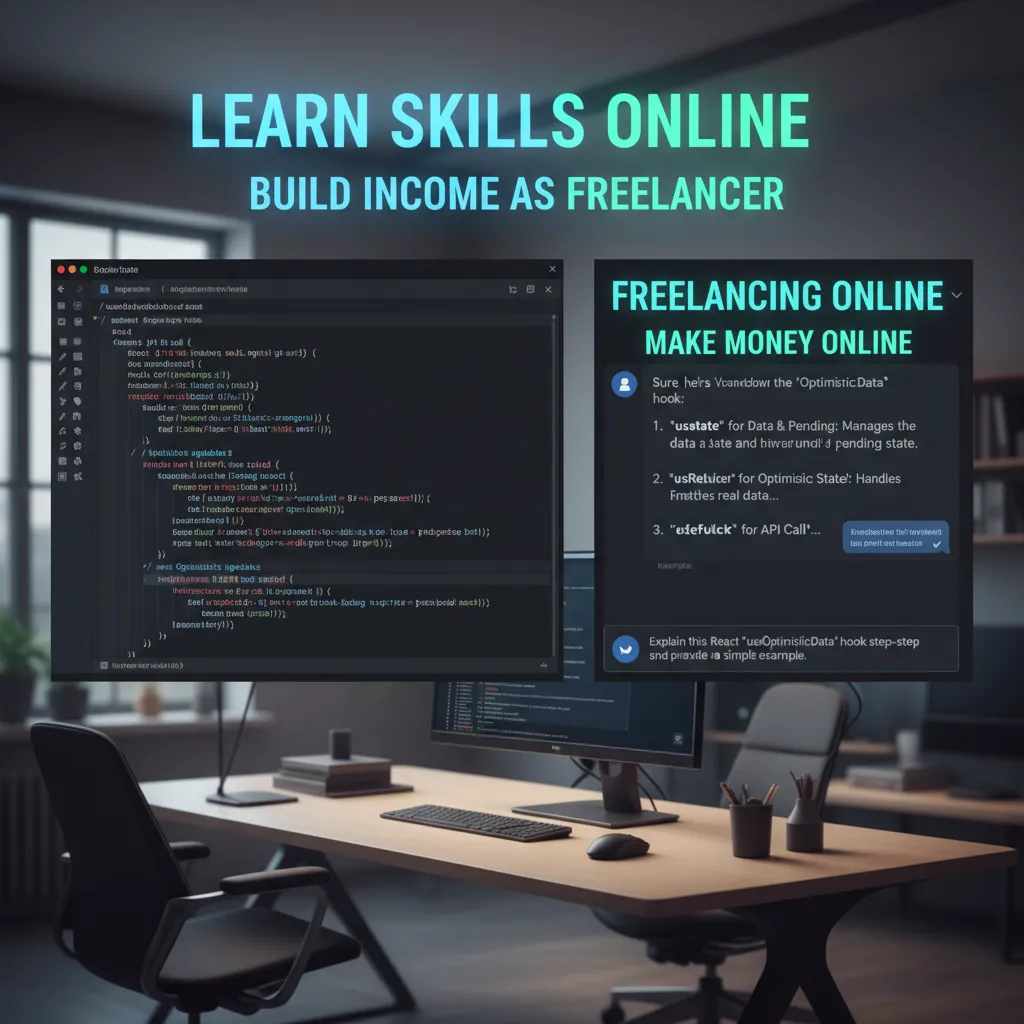
The trick is to use tools like ChatGPT or Claude as a Senior Developer sitting next to you, not as a code generator.
- Don’t ask: “Write me a function to sort this array.”
- Do ask: “I wrote this function to sort an array, but it’s throwing an error on line 4. Can you explain why my logic is flawed?”
Using AI for debugging accelerates your learning loop. Instead of being stuck for 4 hours on a syntax error, you resolve it in 5 minutes and move on to the next concept. This efficiency is why Bill Gates said: “Learning to write programs stretches your mind, and helps you think better… I think it is helpful in all domains.” (Source: Ramotion 2025 Updated Quotes list).
Top 10 Free Resources for 2025 (Ranked)
I’ve filtered through hundreds of resources. If I had to start over today with $0, these are the only ones I would use.
This is the gold standard. It is open-source, community-driven, and forces you to set up a real development environment on your computer (no coding in the browser). It is difficult, but it prepares you for the job better than anything else.
Excellent for interactive learning. Their certifications are recognized, and they have expanded their curriculum to include modern full-stack development and scientific computing with Python.
This is the bible of web development. Every time you don’t know what an HTML tag or CSS property does, go here. It is the definitive documentation for the web.
David J. Malan’s intro to computer science. It teaches you how computers actually work—memory, algorithms, and data structures. It’s free and world-class.
From Learning to Landing a Job: The Portfolio Strategy
You’ve learned the skills. Now, how do you get paid? The market value for these skills is massive. According to Mordor Intelligence, the web development market is valued at USD 80.6 billion in 2025 and is projected to reach USD 125.4 billion by 2030.
To get a slice of that pie, you need a portfolio. But please, do not put a “To-Do List” or a “Weather App” on your portfolio. Everyone has those. You need Killer Projects.
The 3-Project Rule
- The Passion Project: Build something related to a hobby. Love coffee? Build a coffee bean tracker with a database backend. Love hiking? Build a trail finder using a Maps API.
- The Clone: Rebuild a complex site like Netflix or Airbnb. This shows you can reverse-engineer professional UI/UX.
- The Tool: Build something that solves a problem. A budget calculator, a markdown previewer, or a file converter.

Conclusion: Your Path Forward
Learning web development for free in 2025 is entirely possible, but it requires you to be the CEO of your own education. The resources are abundant, the tools are powerful, and the market is hungry for skilled developers who can navigate the complexities of modern systems.
Remember, the goal isn’t to memorize syntax; it’s to learn how to solve problems. Start with The Odin Project or FreeCodeCamp, stick to the roadmap, and build things that break. Every error message is a lesson, and every fixed bug is a step toward that $90,000 career.
The only thing standing between you and a career in tech is the time you’re willing to invest. Start today.
Frequently Asked Questions
Can I learn web development for free in 6 months?
Yes, but it requires full-time dedication (4-6 hours a day). If you are studying part-time, expect it to take 9-12 months to become job-ready.
Do I need a powerful computer?
No. Web development is very lightweight. Any laptop from the last 5-7 years with 8GB of RAM is sufficient to start.
Is the market too saturated for juniors?
The market is saturated with unskilled juniors who only know how to copy tutorials. There is a shortage of juniors who can problem-solve and communicate effectively.
