
How to Stay Safe on Freelance Websites in 2025: The Ultimate Security Guide
It starts with a simple notification: “We loved your proposal. Please download this file to view the project details.” In the excitement of landing a new gig, you click. Three seconds later, your digital office is compromised.
I wish this were just a scary story. But in my years navigating the gig economy, I’ve seen promising careers derailed not by a lack of talent, but by a single moment of misplaced trust. The landscape has changed drastically. Scammers aren’t just sending poorly spelled emails anymore; they are using sophisticated AI and psychological manipulation to bypass your defenses.
The numbers are staggering. According to the FBI IC3 April 2025 Report, employment fraud losses more than tripled during 2024, skyrocketing to $264 million in losses versus just $70 million the previous year. This isn’t just a nuisance—it’s an industry-wide crisis.
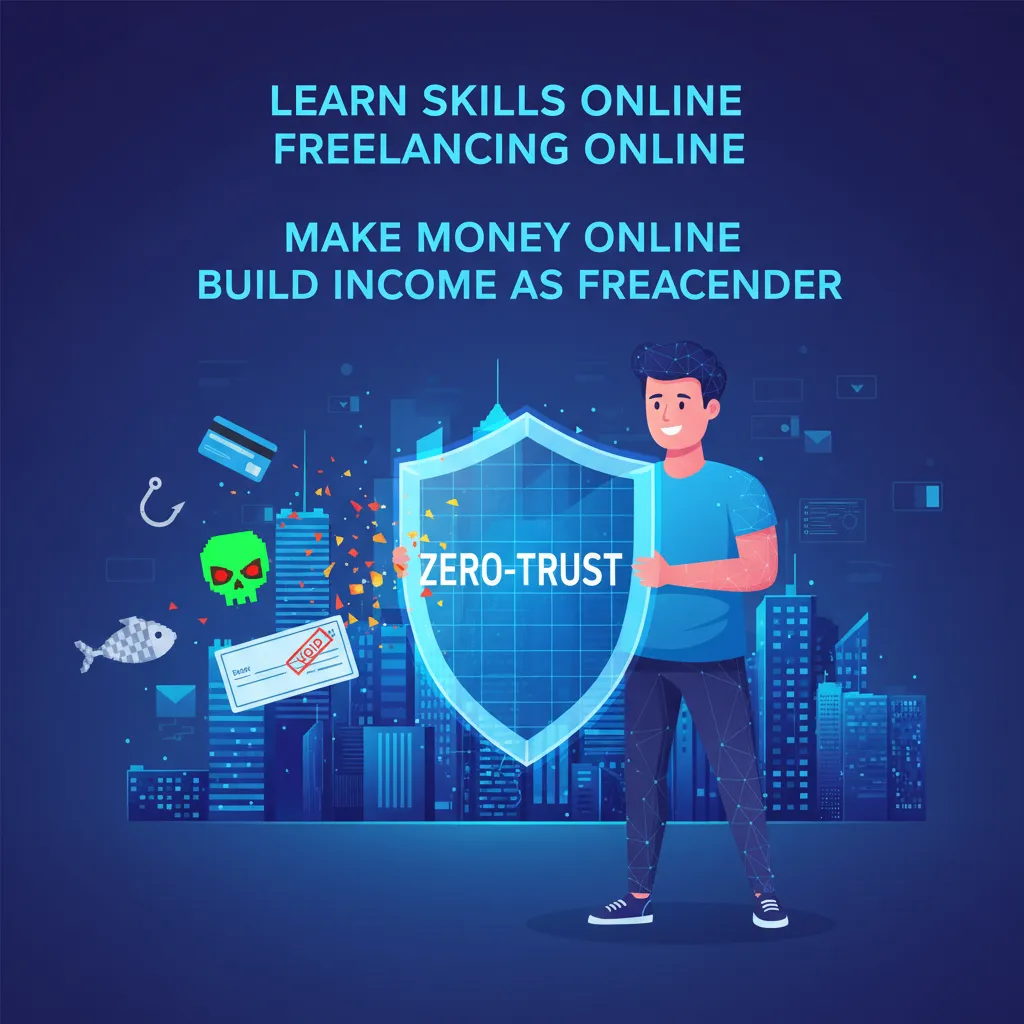
If you are freelancing on Upwork, Fiverr, or Toptal, you are a target. But you don’t have to be a victim. This guide isn’t just a list of tips; it’s a “Zero-Trust” security framework designed to help you spot Task scams, identify deepfake interviews, and master profile verification so you can focus on what you do best: creating great work.
The New Threat Landscape: Freelance Scams in 2024-2025
Forget the “Nigerian Prince” emails of the past. The threats we face today are gamified, AI-driven, and incredibly convincing. To stay safe on freelance websites, you first need to understand the weaponry being used against you.
1. Rise of the “Task Scam”: The #1 Threat
The most dangerous trend right now is the “Task Scam.” These are insidious because they don’t ask for your bank password immediately; they ask you to work.
Here is how it works: You are contacted via WhatsApp or Telegram (a major red flag we’ll discuss later) to perform simple tasks, like “boosting” products or rating apps. You log into a slick-looking dashboard where you see your “earnings” accumulate rapidly.
However, there’s a catch. To withdraw your earnings or “level up” to get higher-paying tasks, you are required to deposit cryptocurrency or pay a fee. According to FTC Data released in December 2024, task scams now account for nearly 40% of job scam reports and quadrupled to 20,000 incidents in the first half of 2024 alone. Once you pay, the “client” vanishes, along with your money.
2. Deepfake Interviews & AI-Generated Fraud
In the past, poor grammar was a dead giveaway. That safety net is gone. Chester Wisnvski from Sophos noted in January 2024 that “AI-generated fraud tops the list… telltale signs of a scam like spelling and grammar errors have been wiped away.”
Scammers are now using generative AI to create flawless job descriptions and even deepfake video interviews to impersonate hiring managers from reputable companies. I’ve spoken to freelancers who sat through hour-long Zoom calls with a “client” who turned out to be a synthetic avatar designed to steal their identity information.

3. Profile Cloning
Imagine logging onto Fiverr and seeing your face, your portfolio, and your bio on someone else’s account. Profile cloning is rampant. Scammers copy high-performing freelancer profiles to scam buyers. While this hurts the buyer financially, it destroys your reputation. If a buyer gets scammed by your doppelgänger, they might report you by mistake, tanking your Job Success Score (JSS).
The “Golden Rule” of Freelance Safety: Staying On-Platform
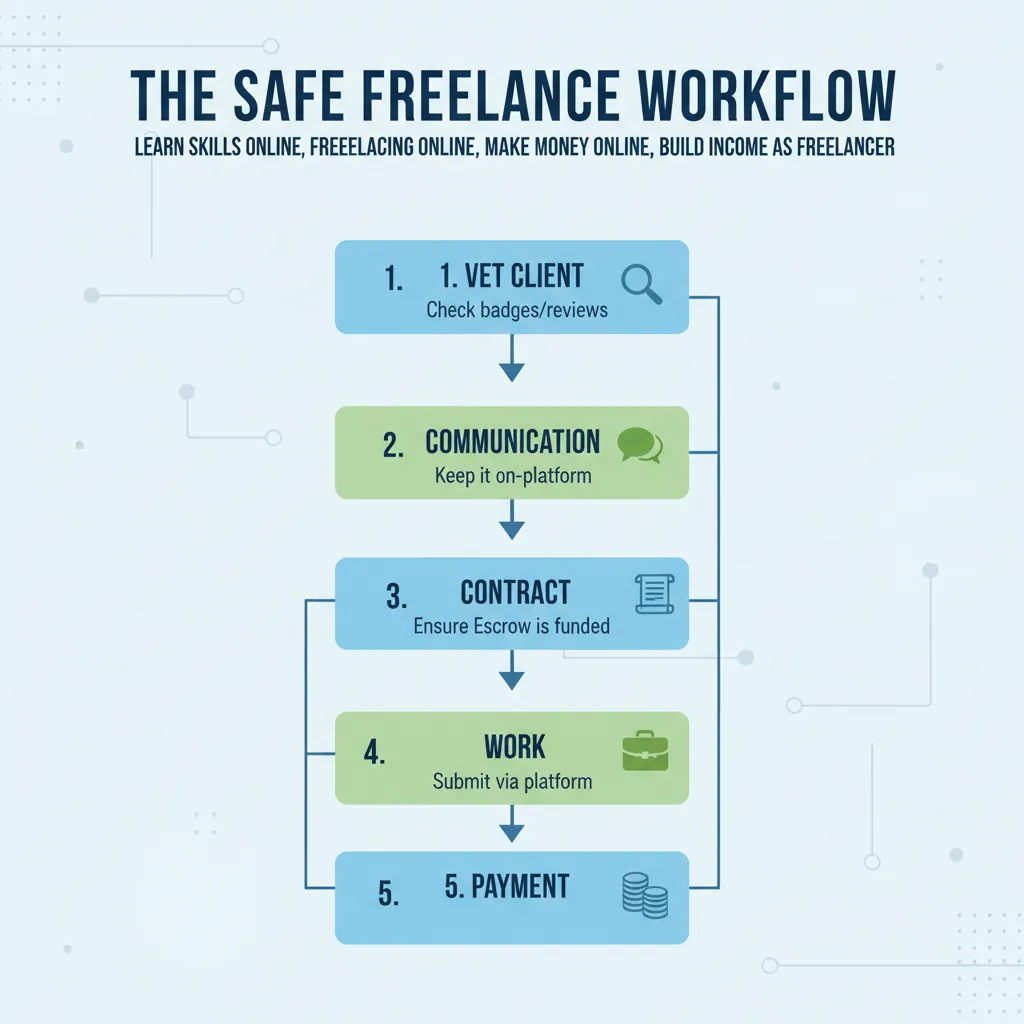
If you take only one thing from this article, let it be this: Never communicate or transact off the platform until a contract is officially in place.
I know the temptation. Upwork takes a 10% fee; Fiverr takes 20%. A client offers to pay you via PayPal or Crypto to “save us both money.” It sounds like a win-win, but it is almost always a trap.
Understanding Upwork’s “No Contact Sharing” Rule
Platforms are clamping down hard on this. Upwork’s Terms of Service, updated in September 2024, explicitly strictly prohibits sharing contact information (email, phone, Skype, etc.) before a contract is started. If a client asks for your email in the first message, they are either a novice or a scammer. In my opinion, it’s safer to assume the latter.
According to Rosanna Webb’s report on Small Business Risk (Sept 2024), 43% of cyberattacks in 2024 targeted small businesses and freelancers, often initiating contact through these off-platform channels where security filters don’t exist.
Advanced Verification: Vetting Clients Like a Pro
Blindly applying for jobs is a recipe for disaster. You need to vet your clients just as rigorously as they vet you. Here is the checklist I use before sending any proposal.
1. The “Verified Payment” Badge
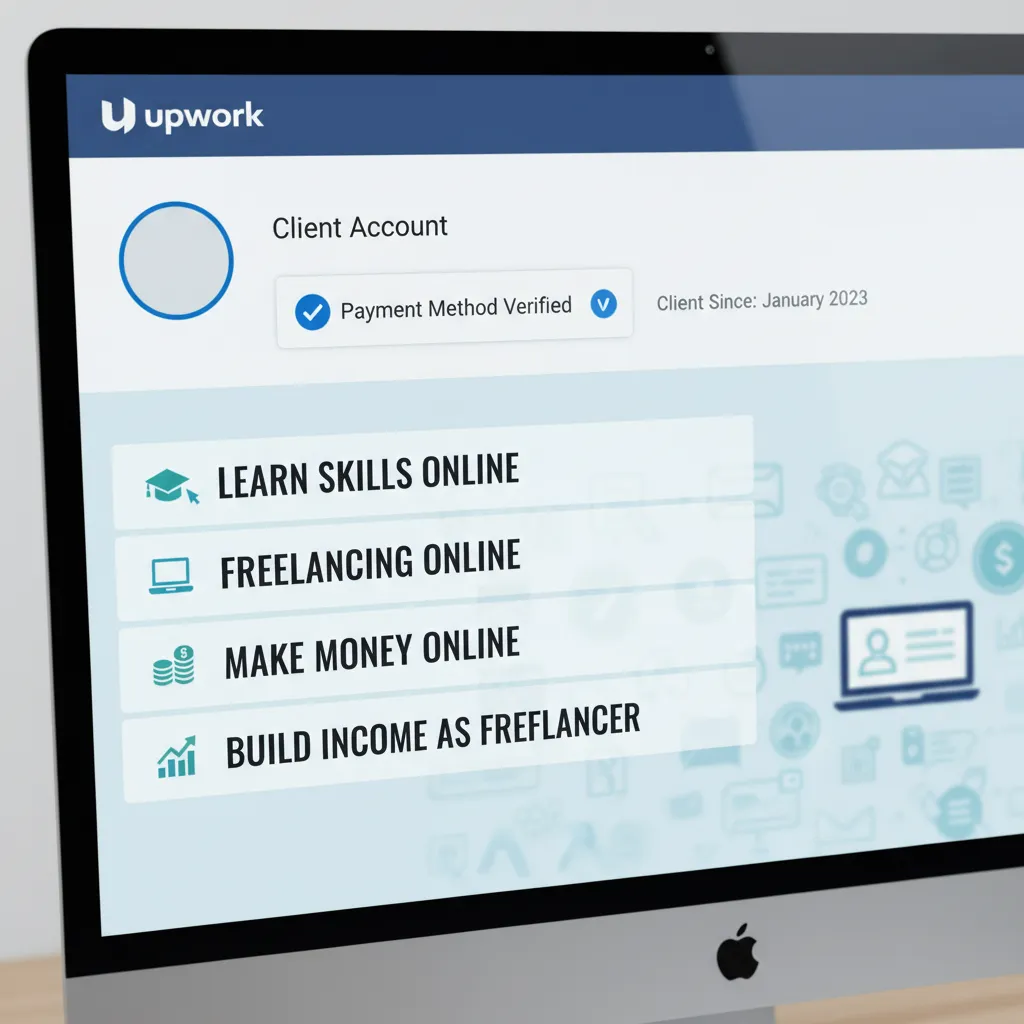
On Upwork and similar sites, look for the “Payment Method Verified” checkmark. While not a guarantee of safety (stolen credit cards exist), an unverified payment method combined with a new account creation date is a massive red flag.
2. Decoding the “Vague Job Description”
Be wary of job posts that lack specifics. Phrases like “I need a hard worker for a simple task, high pay” are classic bait. Legitimate clients have specific problems they need solved. They talk about “fixing Python scripts,” “writing 4 blog posts,” or “designing a logo.” Scammers talk about “easy money” and “opportunities.”
3. Utilizing the Account Health Hub
As per Upwork’s Release Notes from November 2025, freelancers now have access to an Account Health Hub. This dashboard gives you visibility into your own standing but also provides insights into client behaviors. Use these tools. If a client has a history of high dispute rates or frequent contract cancellations, walk away.
Technical Security for Your Digital Office
Even if you spot the scams, you need technical defenses. Freelancers are essentially their own IT departments, which means the burden of cybersecurity falls on you.
Beware the .ZIP and .EXE
A common attack vector involves a client sending a “portfolio” or “project requirements” file. If that file is a .exe, .scr, or a password-protected .zip file, do not open it.
These often contain Remote Access Trojans (RATs). Once installed, a RAT gives the hacker full control over your machine—they can log your keystrokes, steal your passwords, and drain your bank accounts. Always ask for files to be shared via Google Drive or viewed directly in the platform’s message center.
Mandatory Two-Step Verification (2FA)
If you haven’t enabled 2FA on your freelance accounts, do it now. But not just SMS verification—SIM swapping is too easy these days. Use an authenticator app (like Authy or Google Authenticator) or a hardware key (like YubiKey).
According to Pew Research (July 2025), 73% of U.S. adults have experienced an online scam, with 24% specifically targeted via phishing messages. 2FA is your last line of defense if your password gets phished.
Financial Safety: protecting Your Income
The Escrow Shield
Escrow is your best friend. In a fixed-price contract, the client deposits funds into an Escrow account held by the platform before you start working. This proves they have the money. If a client refuses to fund Escrow or asks you to start working “while they sort out the payment method,” stop immediately.
According to FTC Financial Loss data (May 2025), consumers lost over $12.5 billion to all scams in 2024. A significant portion of freelance losses comes from working without funded Escrow or accepting fake checks.
The Fake Check Scam
This is an old trick but it is still working. A client sends you a check to buy “equipment” for your home office. They “accidentally” overpay and ask you to wire back the difference. Days later, the original check bounces, and the money you wired is gone forever. Never accept payment via check for freelance work.
FAQ: Common Freelance Safety Questions
Yes, Upwork remains one of the safest platforms, provided you utilize their protection tools. With the introduction of the Account Health Hub and stricter AI-profile verification, the platform is safer than open job boards. However, safety depends on you strictly following the “stay on platform” rule.
A Task Scam is a fraud scheme where scammers pose as employers offering simple work (like rating apps). They use gamified dashboards to show fake earnings but require you to deposit real money to “unlock” your withdrawals. As noted by FTC data, these scams quadrupled in 2024.
It is much harder, but possible. The most common on-platform scam is “chargeback fraud,” where a client pays but later disputes the charge with their bank. Upwork’s Payment Protection helps cover this for hourly contracts, which is why using the official Time Tracker is crucial.
Absolutely not. No legitimate employer will ask you to pay money to get a job. This is the #1 indicator of employment fraud. If a client says you need to buy a specific software through their link, it is a scam.
Check for the “Verified Payment” badge, read their past reviews from other freelancers (look for patterns in complaints), and check their total amount spent on the platform. High spending over a long period is a strong trust signal.
Conclusion: Trust Your Gut, Verify Everything
Freelancing offers incredible freedom, but that freedom comes with the responsibility of securing your own business. The rise of AI and sophisticated task scams in 2024 and 2025 means we can no longer afford to be casual about security.
By keeping your communication on the platform, rigorously vetting clients using the “Zero-Trust” framework, and securing your devices against technical threats, you can navigate the freelance world safely. Remember, a legitimate client will respect your boundaries and professional processes. If something feels off, it usually is.
Stay safe, keep your earnings in Escrow, and never stop verifying.
